
Top Miro Alternatives in 2026 | Free Competitors of Miro for Startups
Looking for an alternative to Miro? Don’t worry, I’ll share a list of tools that are better than Miro. This blog will give you full details about Miro, top alternatives to Miro, and tips on choosing the right tool for your business needs.
Let’s start with a simple introduction to Miro, its features, and then we will proceed to the available alternatives and a comparison between the best of them all.
Background and History of Miro
Miro kicked off in 2011 as RealtimeBoard. Andrey Khusid and Oleg Shardin have founded the organisation. They changed its name to Miro in 2019 to match its fresh vibe.
Miro’s headquarters is at 201 Spear Street in San Francisco. It has branches in different parts: Austin, New York, Amsterdam, Berlin, and Tokyo. According to Miro’s website, around 100 million users are connected with the organisation. Popular brands like HP, Deloitte, and Accenture are also users of Miro.
What is Miro and its Features?
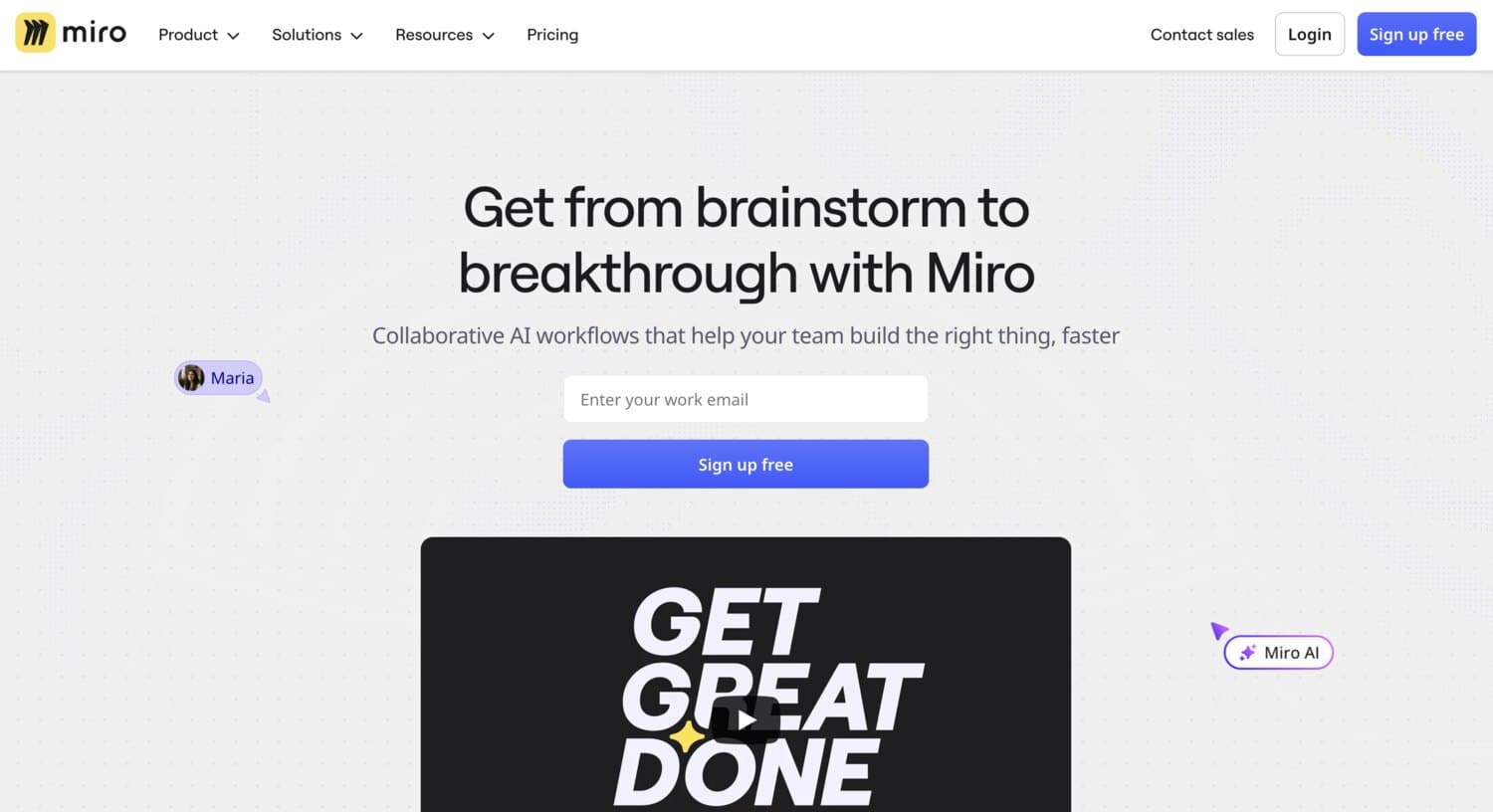
Miro is a tool that provides a visual workspace for innovation. It is widely used globally. It is an online whiteboard platform. Miro comes with useful features, some of which are:
- Meetings and Workshops
- Brainstorming & Ideation
- Agile Practices
- Diagramming
- Research & Design
- Strategy & Planning
- Mind Map
- Concept Map
- Online Sticky Notes
- Flowchart Maker
User Case of Miro
- Product managers can use it to draw Kanban boards and prioritize features.
- UX/UI designers can create prototypes and test ideas in real time.
- Marketing teams can outline strategies with mind maps.
- Engineering leads can make diagram workflows and retrospectives.
- Team leads & consultants can host workshops with sticky notes and voting.
Also Read: What is Picnob? Explore the Top 10 Picnob Alternatives
Top 5 Miro Competitors/Alternatives
Most of the tools have the same features. It will entirely depend on your preferences and specific needs. Let’s take a look at some of the whiteboard tools, like Miro:
- FigJam: It is an online whiteboard software. It is a product by Figma. Dylan Field and Evan Wallace are the founders. The company is based in California and was founded in 2021.
- Mural: Founded by Mariano Suarez-Battan and Agustin Soler in 2011.
- Lucidspark: Ben Dilts and Karl Sun founded Lucidspark in 2010. It is a product by Lucid software.
- Canva Whiteboard: Melanie Perkins, Cliff Obrecht, and Cameron Adams are the founders of the company. It started in 2013 in Sydney.
- Whimsical: It is a web-based whiteboard software founded in 2017 by Steve Schoeffel and Kasia Jaworski.

Which is Better than Miro? (Comparison)
In the given table, I have mentioned a comparison among the different tools that are equally useful as Miro. Is there a free alternative to Miro? Surprisingly, yes, these are some of the freeMiro alternatives for startups.
| Tool | Free Plan | Paid Plan (USD) | Key Features |
|---|---|---|---|
| Canva | $0/year | Pro: $50/yearBusiness: $81/year | Templates, drag-and-drop editor, photos/videos, brand kit, team collaboration |
| Lucidchart / Lucidspark | $0 | Individual: $13.50/user Team: $15/user | Diagrams & boards, templates, shapes, commenting, and real-time collaboration |
| Mural | $0 | Team+: $9.99/month Business: $17.99/month | Boards, templates, voting, timers, workshop facilitation, unlimited members |
| Figma (FigJam) | $0 | Professional: $3–$16/month Organization: $5–$55/month Enterprise: $5–$90/month | Boards, real-time collaboration, comments, version history, plugins |
| Whimsical | $0 | Pro: $10/month Business: $15/month Enterprise: $20/month | Boards, flowcharts, sticky notes, mind maps, file uploads, version history |
This table compares the alternatives of Miro with its pricing and features. You can choose from the given options according to your needs.
What is Brainstorming? Tools for Brainstorming
Brainstorming is a process in which a group of people discusses a particular topic and gives ideas related to the topic. In 1940, Alex Osborn started this method of generating ideas. It is like a no-judging thing, expressing your ideas without the fear of getting judged.
What are the Brainstorming Tools for Teams?
Brainstorming tools for teams are used for generating ideas, solving problems like the reason behind low sales, solving productivity issues, and making better decisions together. It helps the team to work freely while staying focused on the goal. Some of the common methods used for brainstorming are:
- Mind maps
- SWOT analysis
- Brainwriting
- Fishbone (cause-and-effect) diagrams
- Digital whiteboards
Some of the widely used brainstorming tools for teams that I have self-tested, and the best part is that all come with a free plan, so that you can test them before purchasing.
- MindMeister: It doesn’t have any customisable plans, but it has plans for every need. Plans include free, personal, pro, and business.
- Whimsical: It has 4 different plans: Free, Pro, Business, and Enterprise. It starts from $0 to $20.
- Mindomo: It comes with 3 different types based on the user. Individual, Teams, and Education are the user-based plan types. Under each type, different plans are available that start from $0 and go up to $14.
- FreeMind: It is a completely free software. The software is written in Java.
- Stormboard: It comes with a free plan known as the Personal plan. You can also choose the Business plan, which costs around $10. It has a custom plan named the Enterprise plan, from which you can add features according to your business needs.
Remote Collaboration Software
Remote collaboration software or tools are those that help people working remotely to stay connected with other team members. It helps to work together while working from different locations. These types of platforms can help to communicate, share files, collaborate, and present ideas to other members of the team. Some tools like Microsoft Teams, Trello, ClickUp, and Slack are some of the remote collaboration software that can help you communicate with your team freely.
Related: SEOquake Review: Top Free and Paid Alternatives
What is Diagramming and Whiteboarding?
Both diagramming and whiteboard tools are visual collaboration solutions that break down complex tasks into simple ones for faster understanding. It prevents people from relying only on written and spoken explanations. Let’s understand the main differences between diagramming and whiteboarding tools.
Diagramming is the process of explaining a process using a structure or figure. It includes Flowcharts, Mind maps, Org charts, and Process diagrams. Diagramming is used for making complex explanations easier. It is used for planning, problem-solving, and analyzing.
Whiteboarding is a free form of explaining. It doesn’t require any diagram or structure. It works by expressing your ideas through a digital or physical whiteboard.
Tools like Lucidchart, SmartDraw, Miro, and Boardmix are some of the tools that specifically have diagramming and whiteboarding features.
What is the Use of UX Wireframing Tools?
In simple words, UX wireframing tools are the software by which a blueprint of a website, mobile app, or software is made before making the actual one. It is for testing the user experience. It shows the layout, placement of the content, and navigation. UX wireframing tools simply show how a user will scroll through the website after visiting the page and what their response will be.

Its main work is to check the user interaction with the website, even before the development starts. For reference, here are the top 10 tools for UX wireframing:
- Figma
- Draw.io (diagrams.net)
- Wireframe.cc
- MockFlow
- Mockplus
- Balsamiq
- UXPin
- Moqups
- InVision
- Adobe XD
What are Sticky Notes and Flowchart Tools?
Sticky notes are digital tools that let users organise information by creating and moving information for brainstorming ideas and helping the team to quickly record thoughts, comments, and color codes.
It originated from 3 M’s physical Post-it Notes. Later, it evolved into a digital version with the collaboration of tools like Miro and FigJam.
Flowchart tools are software applications that are used to make a visual mapping process and workflow with the use of symbols like arrows, diamonds, and rectangles. It helps in analysing the structure clearly.
Related: Possible Finance Overview & Its Best Alternatives
Tips for Choosing the Best Miro Alternatives
The best tool for your business depends on your needs and budget. However, I have mentioned tips that can help you choose the best out of the available options:
- Identify your need: Pick the tool that aligns with your task, like design, planning, and workshop.
- Check the requirement: Go for the free plan at first for the small group. Try, then subscribe to a costly plan if needed.
- Test integration: Assure that it connects with your daily use tools.
- Pricing: Compare the prices and choose according to your budget.
- Check for the features: Look for features that give an option for real-time edits and templates.
- Free trial: Look for tools that offer a free trial, so that you can check whether they fit your organisation or not.
- User review: Check for the real user reviews. It can be done through authorised reviewing websites like G2, Capterra, Trustpilot, and many more.
The post Top Miro Alternatives in 2026 | Free Competitors of Miro for Startups appeared first on The Next Hint.